
How to identify files or folders with specific access settings?
Users often inquire about identifying files or folders with specific access settings, such as those accessible to anyone with the link. To address this need, our platform provides a straightforward method to view these details.
To see who has access to a particular file or folder, follow these steps:
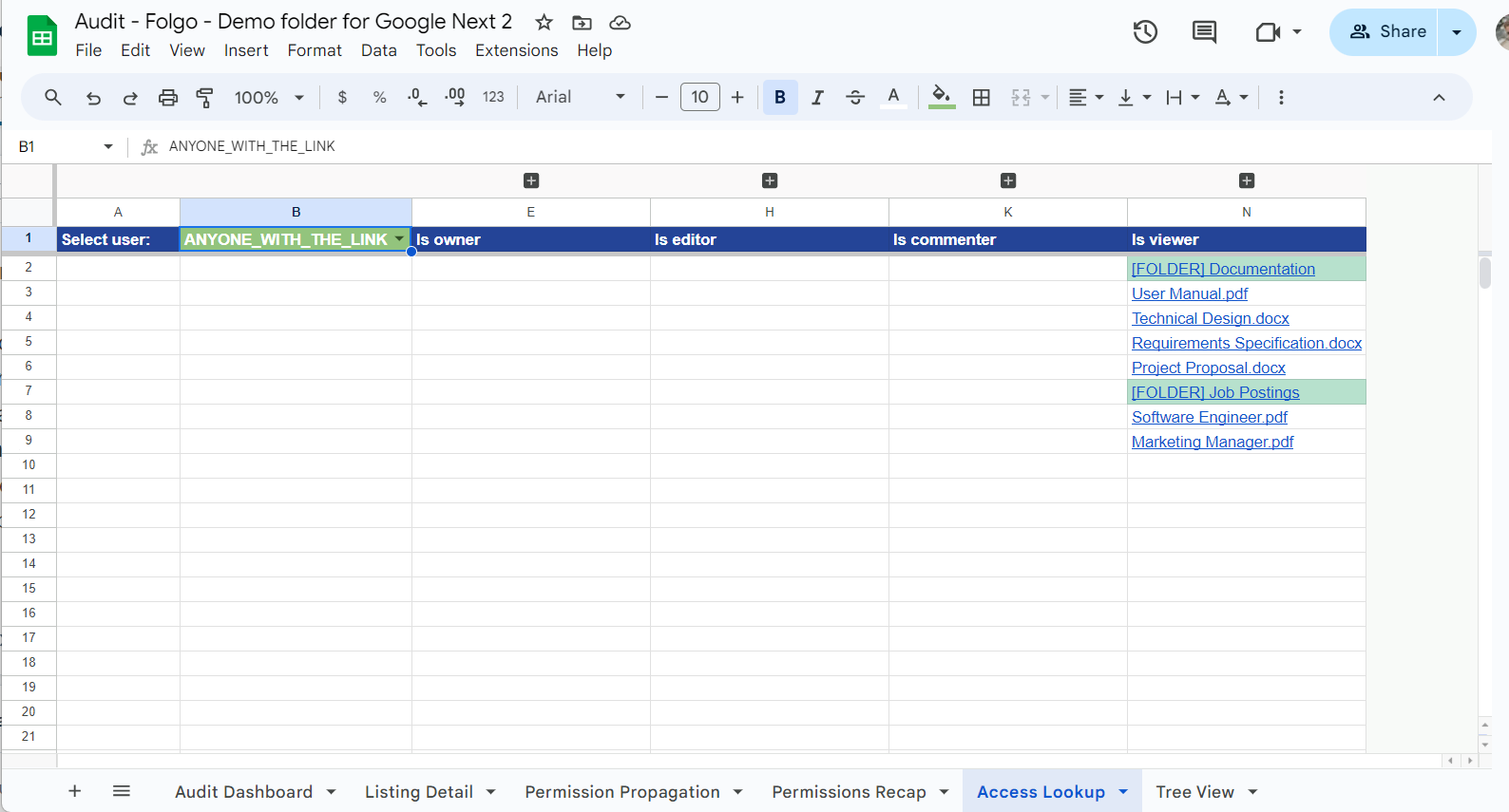
- Navigate to the Access look up tab in your audit spreadsheet.
- In cell B2, select an option from the dropdown menu. You can choose a specific utility or a sharing option like ANYONE_WITH_A_LINK.
- Upon selection, the spreadsheet will display all the accesses associated with your choice.
- Note that folders are indicated with a green background for easy identification.
This feature ensures you can easily manage and review access settings for your files and folders, enhancing your control over your data's security.